Create Reusable Templates with vScrawl

Turn your frequent documents into ready-to-send e-signature templates—fast, secure, and consistent.

E-signature templates in vScrawl

Smart E-Signature Templates for Every Business Scenario

Streamline your document processes and speed up approvals with reusable, secure templates tailored for every workflow.

Contract Agreements

Ensure consistent, error-free contract signings with ready-made templates.

Sales Proposals

Send polished proposals quickly and close deals faster.

HR Policies

Get employee acknowledgments efficiently with standardized forms.

Legal Documents

Simplify compliance and legal workflows with structured templates.

Vendor Agreements

Collaborate seamlessly and finalize vendor contracts without delays.

Project Approvals

Keep projects moving with organized, ready-to-use approval forms.

Compliance Forms

Reduce risk with pre-set templates that help standardize compliance documents.

Partnership Deals

Speed up partner sign-offs with customized agreement templates.
NDAs

Protect sensitive information with fast, reusable NDA templates.
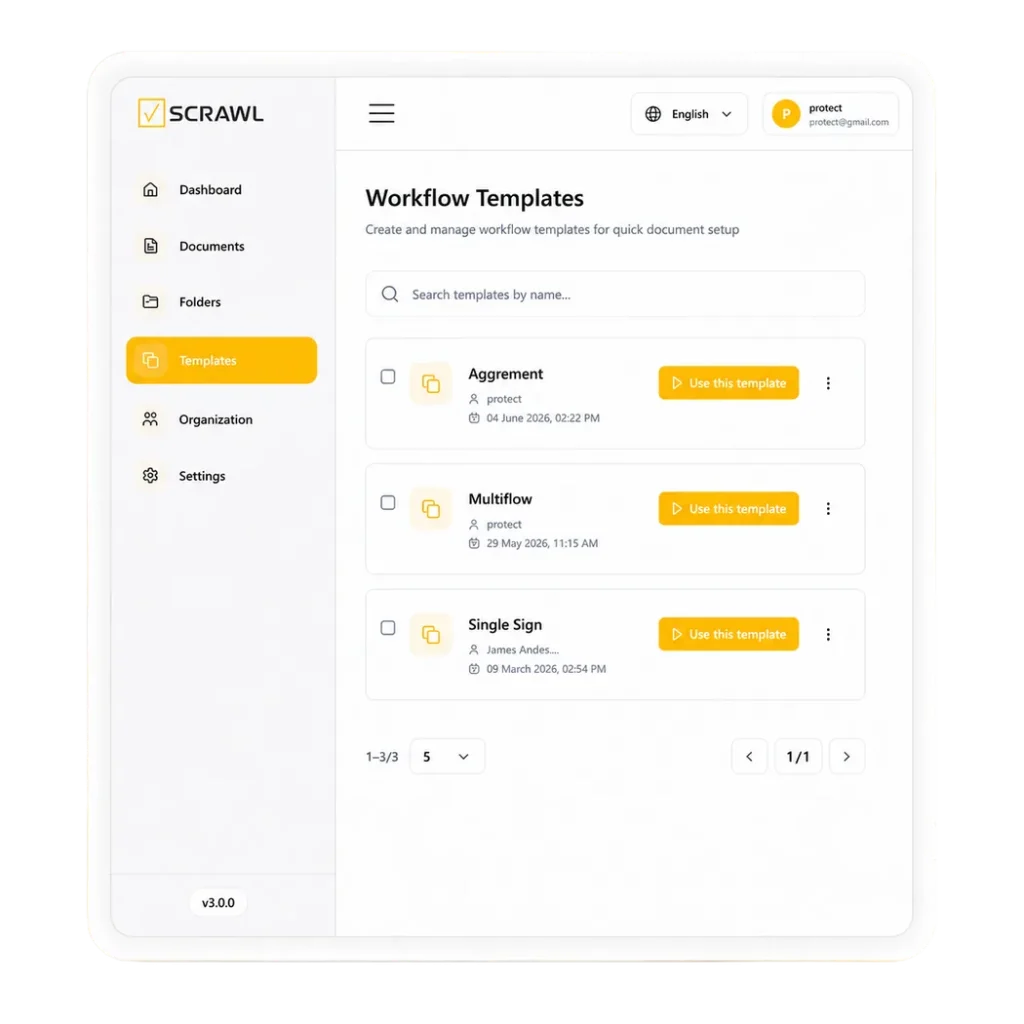
Accelerate Your Workflow with vScrawl Templates

Turn repetitive documents into ready-to-use templates, making approvals faster, smoother, and error-free.

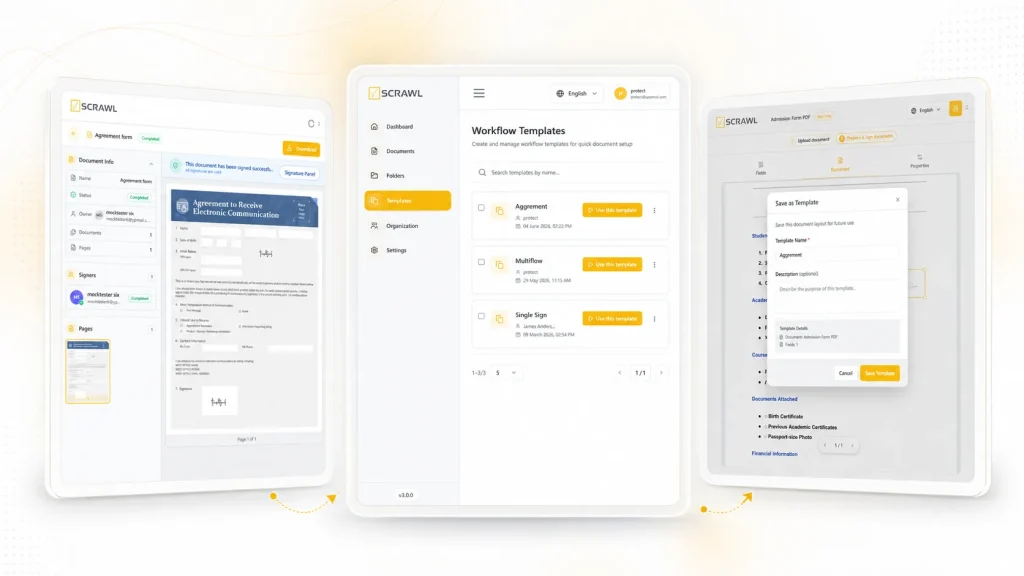
Save Time on Every Send

Eliminate repetitive work: vScrawl automatically identifies form fields to create templates faster and easier.

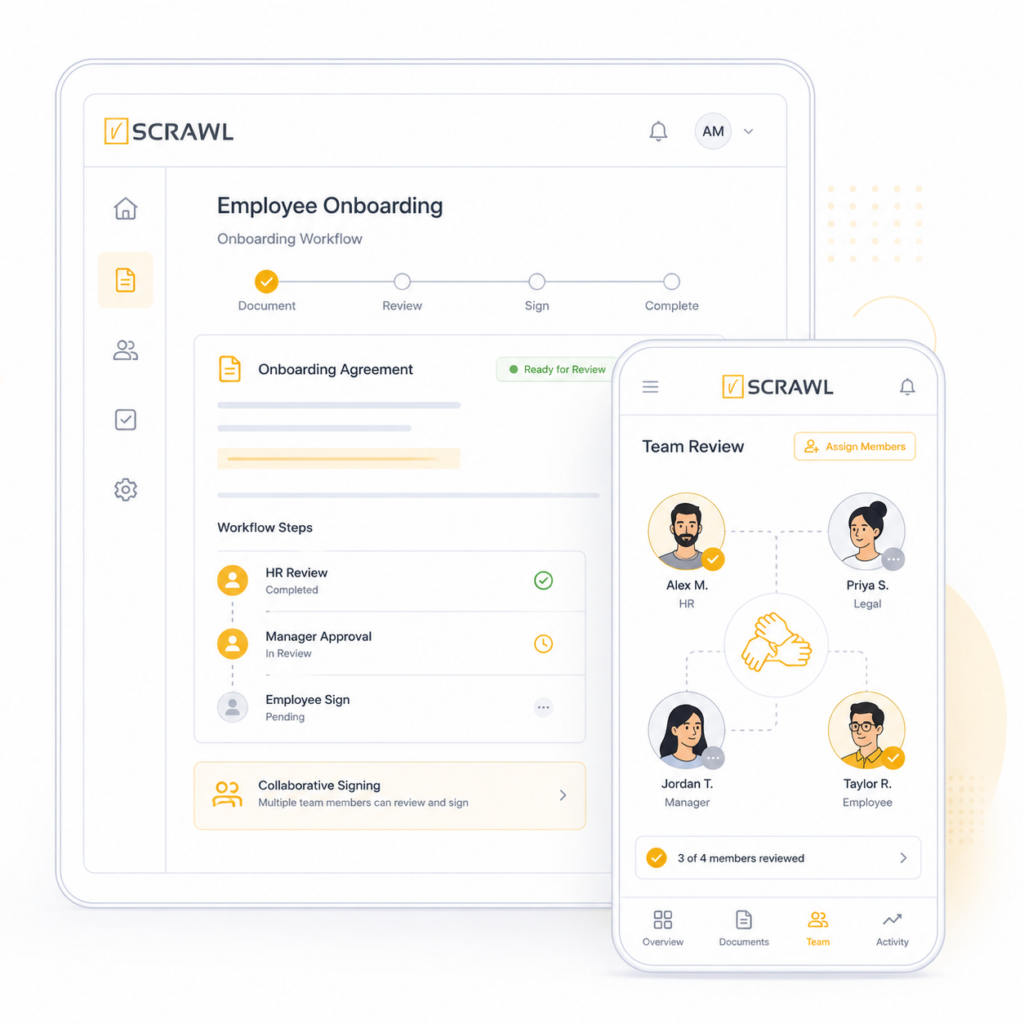
Collaborate Seamlessly

Create and refine templates together with your team, ensuring consistency and professionalism.

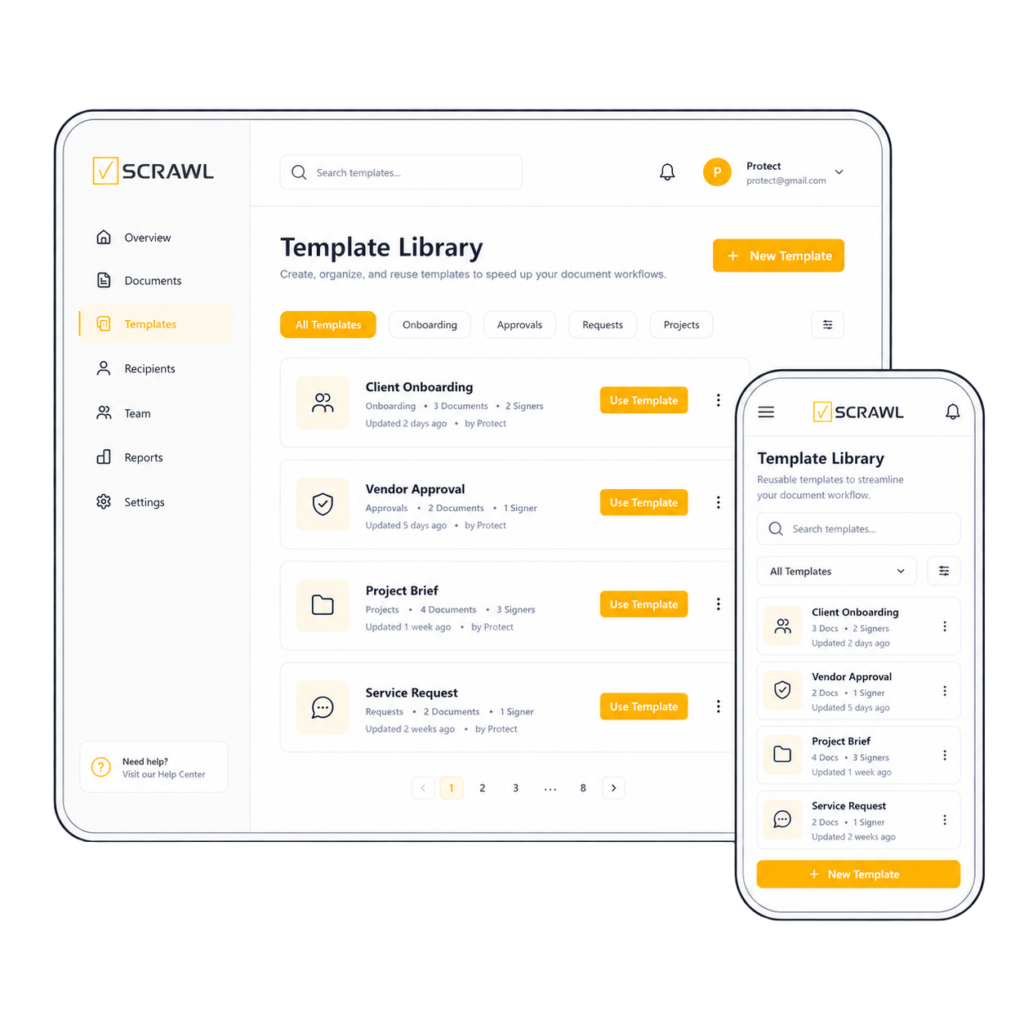
Centralized Template Library

Build a shared hub for your contracts, agreements, and forms—accessible anytime, anywhere.

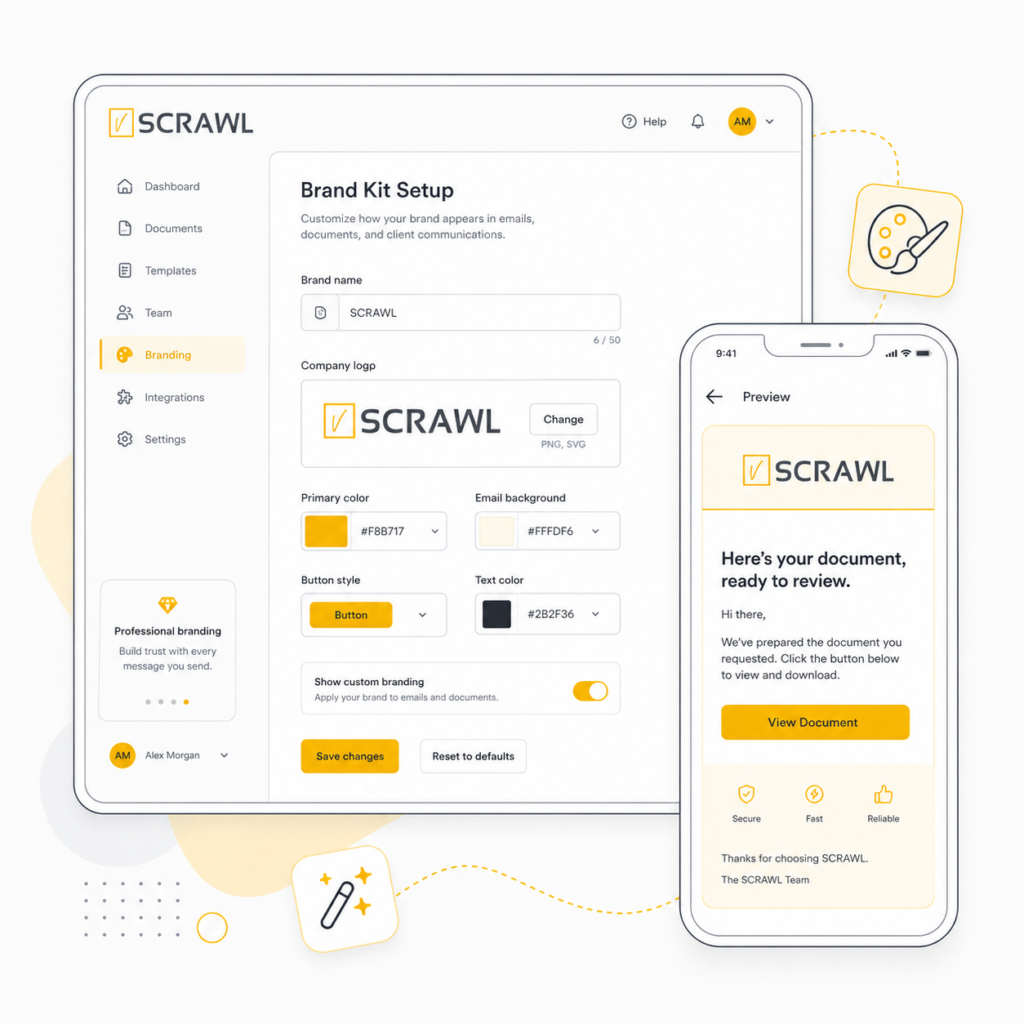
Brand-Consistent Templates

Keep every template on-brand by easily customizing colors, fonts, and layouts across every template.

Time save templates image illustration
Team Collaboration illustration
Templates library vScrawl illustration
Custom branding illustration

How It Works

You set up a template once and reuse it for every send, by hand or through the API.

1. Upload a document you send often. vScrawl detects the form fields automatically.

2. Adjust and brand it. Check the fields and apply your colors, fonts and layout.

3. Save it to the library. Store it in the shared template library, so your team can reuse and refine it together.

4. Send it. Send from the template to one signer or to several signers. Developers can also send a saved template through the vScrawl API.

Everyone sends from the same approved version, so documents stay consistent across the team. You can create, customize and share templates in minutes.

Use Cases

Templates work best for documents you send again and again:

NDAs. Send a standard NDA in seconds.

Sales proposals. Keep pricing and terms consistent across the team.

HR policies. Collect employee acknowledgments on standard forms.

Vendor agreements. Finalize supplier contracts without redrafting.

Project approvals. Use the same approval form on every project.

Partnership deals. Speed up partner sign-offs with a ready agreement.

Common Questions

How many templates can I create?

The Basic plan includes 3 templates. The Pro and Enterprise plans include unlimited templates. All templates live in one shared library that your team can access anytime.

Can I send a template through the API?

Yes. The vScrawl API has an endpoint that sends a saved template to the recipients you list, with each recipient’s name, email address and signing order. Webhooks can then report each signing event back to your system.

Are vScrawl’s free templates legal advice?

No. Templates are provided for general information and convenience. Have a qualified lawyer review a template before you use it, especially for regulated, high-value or cross-border deals. See the Free Template Terms.

Related: Custom Branding | Multiple Signers | eSignature API

Guide: Are electronic signatures legal? E-signature laws by country

Start Streamlining Your Documents Today

Create, customize, and share templates in minutes—boost efficiency and keep your workflows moving smoothly with vScrawl.