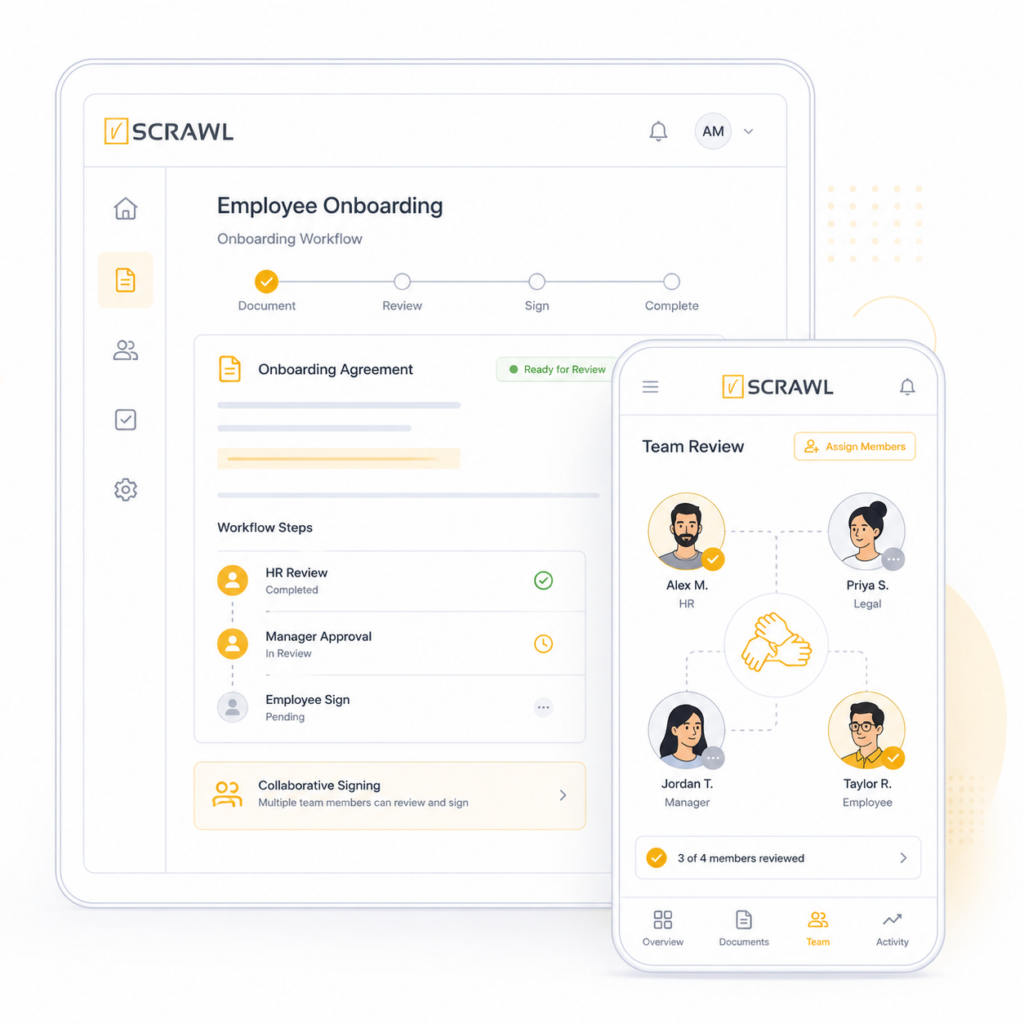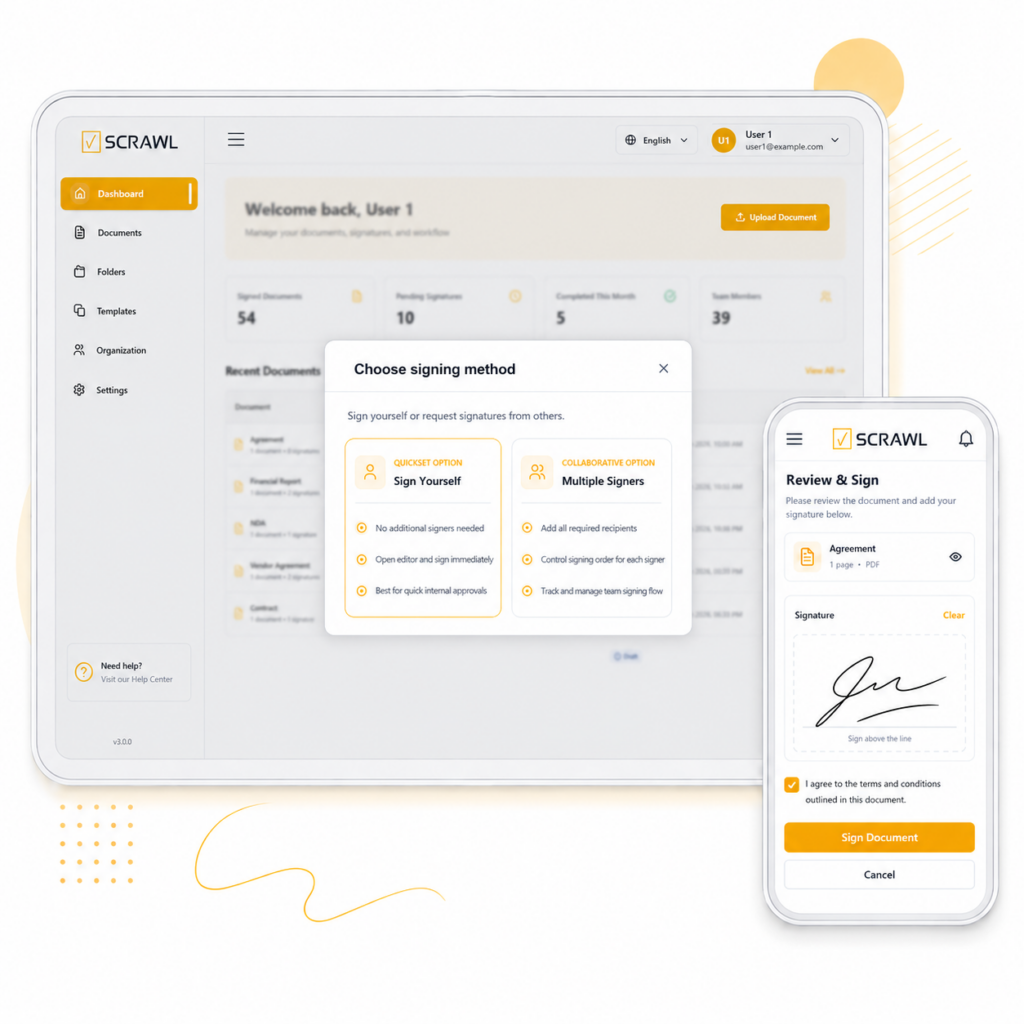
vScrawl makes it easy to send a document to multiple signers in a single workflow. Add all required recipients, collect signatures securely, and keep the signing process organized from start to finish.
From agreements to approvals, vScrawl helps you add all required signers to one document and manage the signing process smoothly from start to finish.

Send offer letters, contracts, and onboarding forms to multiple employees for secure signing.

Share proposals, NDAs, and service contracts with clients and get signatures faster.

Collect signatures on policies, disclosures, and compliance documents from required signers.

Get promotional agreements, and partner documents signed with less back-and-forth.

Send donation agreements or supporter forms and collect signed responses in one place.
Share feedback forms, confirmations, or acknowledgments and track signer activity easily.
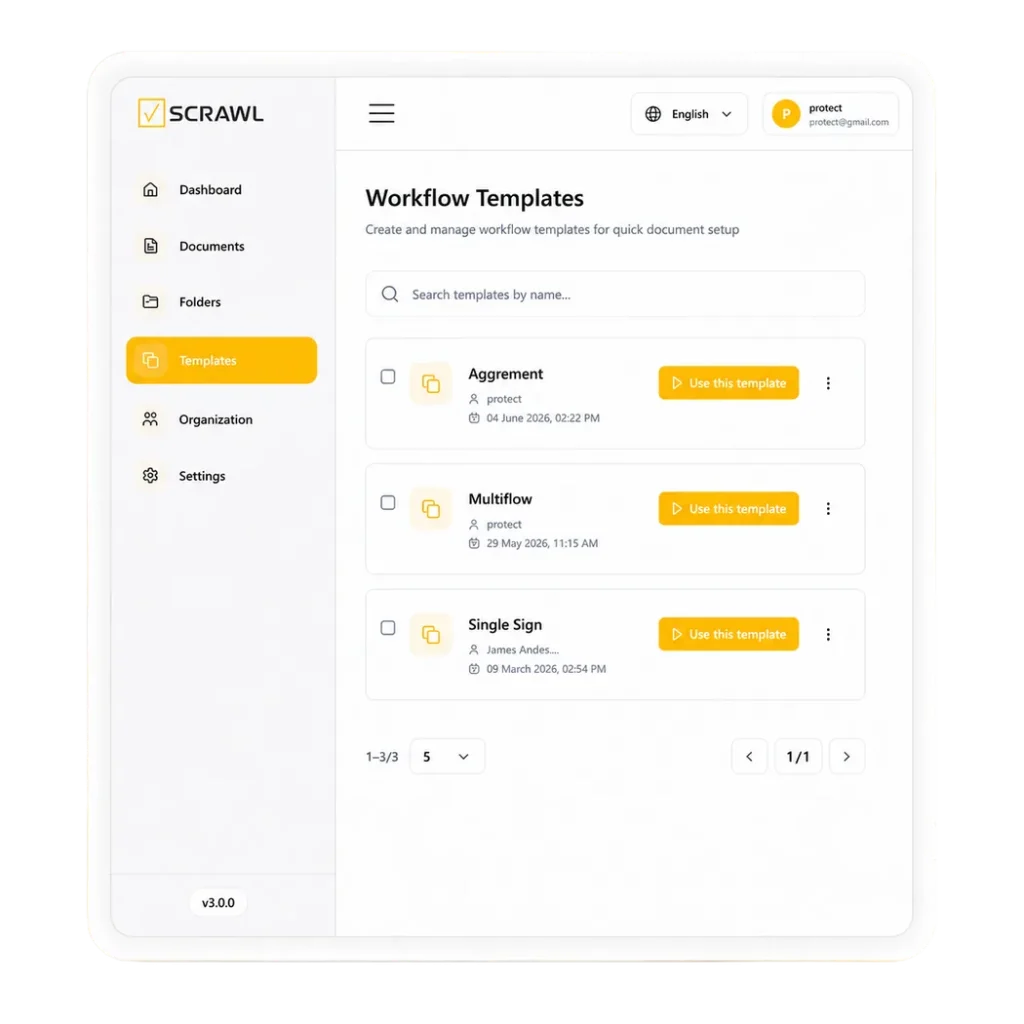
Turn repetitive documents into ready-to-use templates, making approvals faster, smoother, and error-free.
Pick a ready-to-use template and set it up once perfect for sending to all your signers without repeating steps.
Send your document to all recipients in one step, giving each a secure copy to sign.
Upload your file and prepare it for multiple signers, with each recipient getting a secure and signed copy to sign.
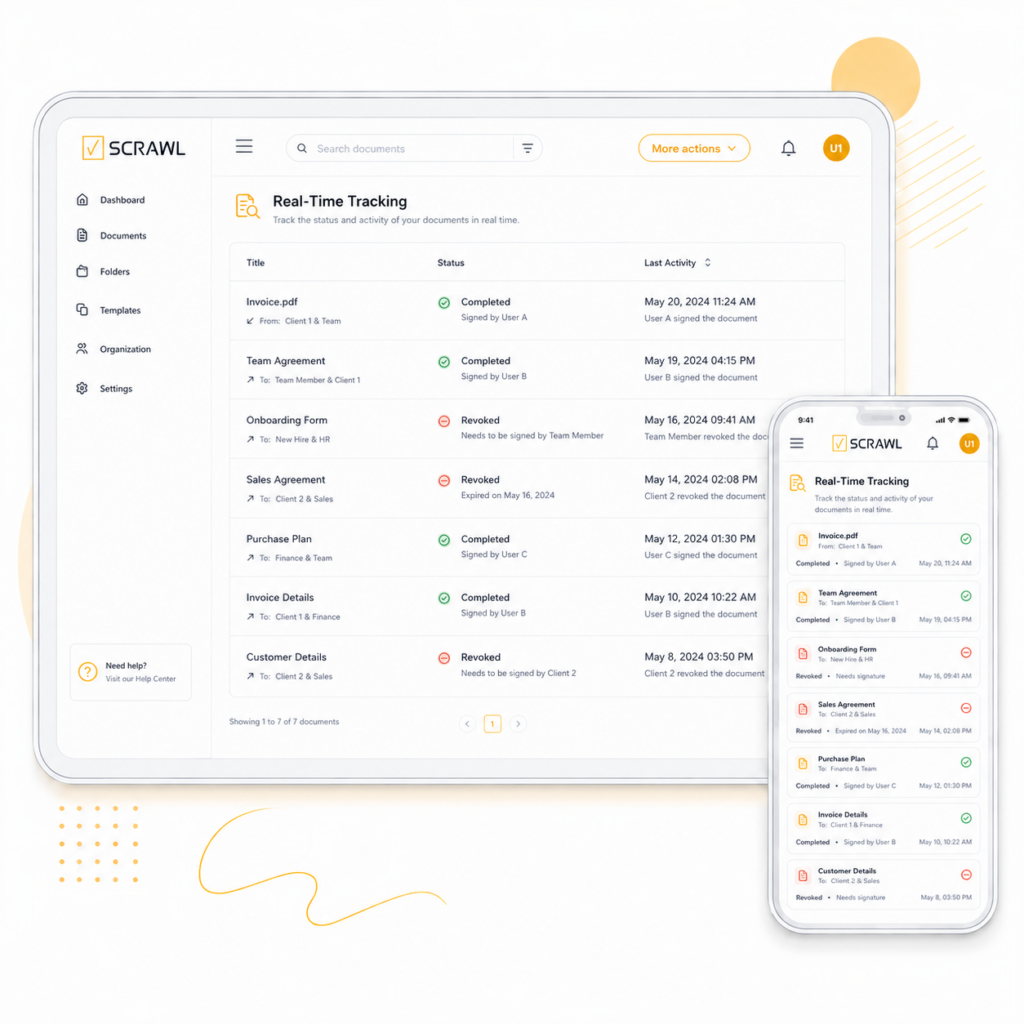
See instantly who has viewed or signed your document, keeping your workflow transparent and up-to-date.
The Multiple Signers feature lets you add more than one signer to a single document, so all required people can review and sign it securely.
Yes. You can upload one document, add multiple signers, and send it for signatures in a single workflow.
Yes. Each signer can access the document securely and complete their part of the signing process.
Yes. vScrawl allows you to track signer activity, so you can see who has viewed, signed, or still needs to take action.
You can use this feature for contracts, agreements, approvals, consent forms, employee documents, property documents, and more.
Yes. Choose a sequential order when one person must sign before the next, or let everyone sign in parallel to save time. You set the order when you add signers, before you send.
Multiple signers means several people sign one document. Bulk sending sends signature requests to many recipients at once from a CSV file, for example a policy acknowledgment for a whole team. Bulk sending is included in the Pro plan.
No. Signers open the link and sign on any device without creating an account. They get a clean email with one-click access to the document.
Related: Reusable Templates | Document Management | Signer Authentication
Guide: Are electronic signatures legal? E-signature laws by country
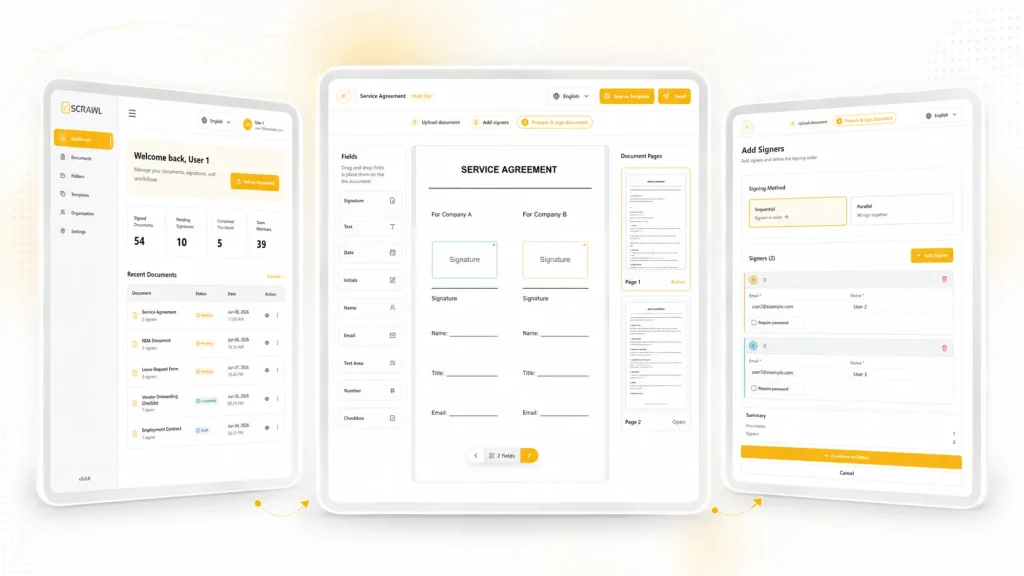
One document, many signers, one workflow. Here is how it runs:
1. Start with a document. Upload a file or pick a ready-made template.
2. Add your signers. Enter each signer’s name and email address. Choose a sequential or parallel signing order.
3. Send once. Each signer gets secure access to complete their part of the document.
4. Track progress. See who has viewed, who has signed and who still needs to act. Automatic reminders follow up for you.
If the wrong person was added, you can update the recipient, or a signer can reassign the document. For sensitive documents, turn on two-factor authentication or passkeys.
Add multiple signers to a single document and streamline your signing workflow. Start using vScrawl to save time, stay organized, and complete agreements securely.
vScrawl is a product of DictaLabs LLC | Privacy Policy | E-Signature Laws © 2026 DictaLabs LLC. All rights reserved.